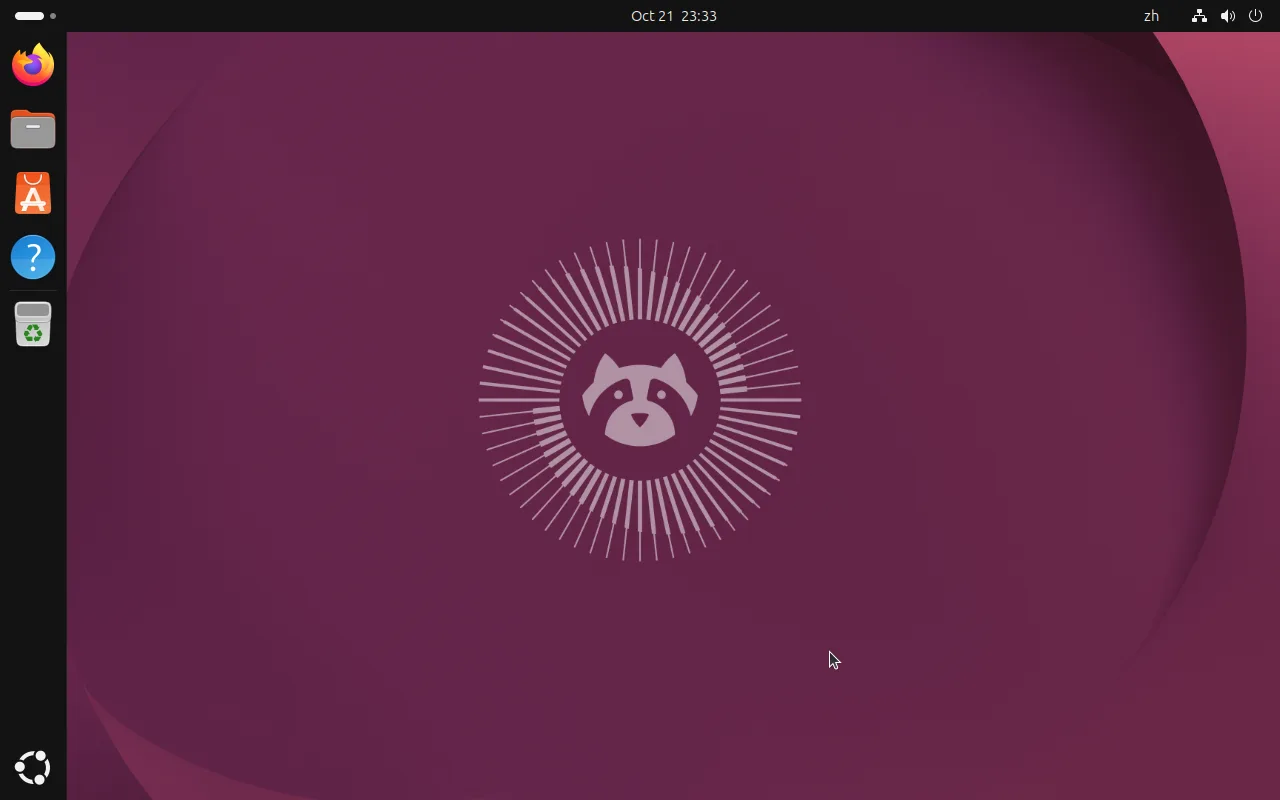
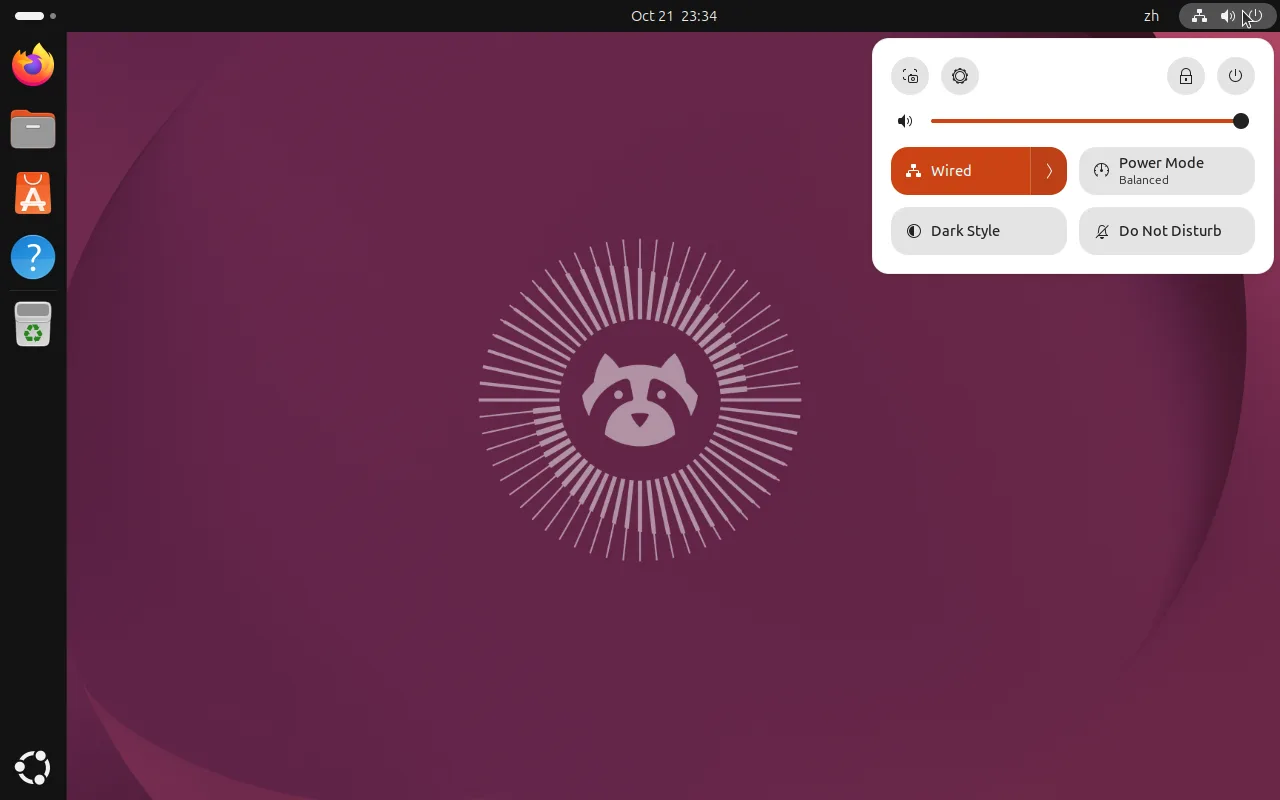
The desktop after first login: dock on the left, status bar on top, home icon bottom rightOpen quick settings from the top-right: volume, network, power mode, dark style and do not disturb
Please select a specific article from the left navigation panel to start reading.